One job. One record. From the quote to the paycheck.
Dispatch, the truck, the office, the money and the shop — on one sign-in. The man cuts it and gets it signed on site, and the same record pays him and bills the customer. One system, not four apps and a clipboard.
Quote, dispatch, the operator’s phone, the safety plan, the signed ticket, the price and the invoice. A demo company — every customer and number in it is made up.
The job tickets and time cards are clean and easy to read, which saves me so much time. I’m no longer waiting on operators to turn in their paperwork when payroll is due. I finish payroll much earlier and can move on to my other tasks.
Four rooms, one record. Walk through them in the order a day happens.
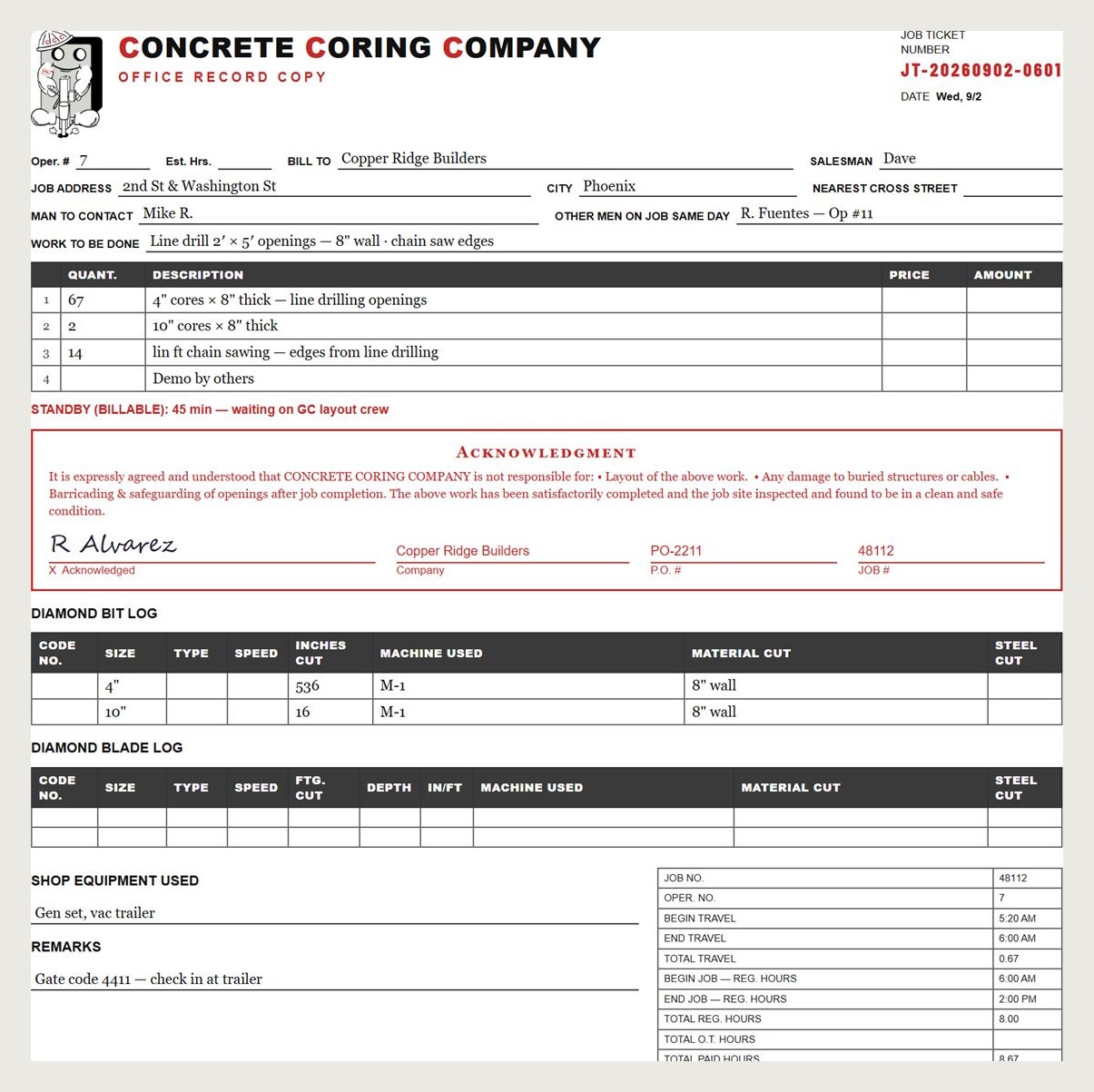

One tap starts the clock. The job ticket starts itself, the customer signs on the glass before he leaves the lot, and the crew signs the safety plan before the first cut. In a basement with no bars it all still saves.
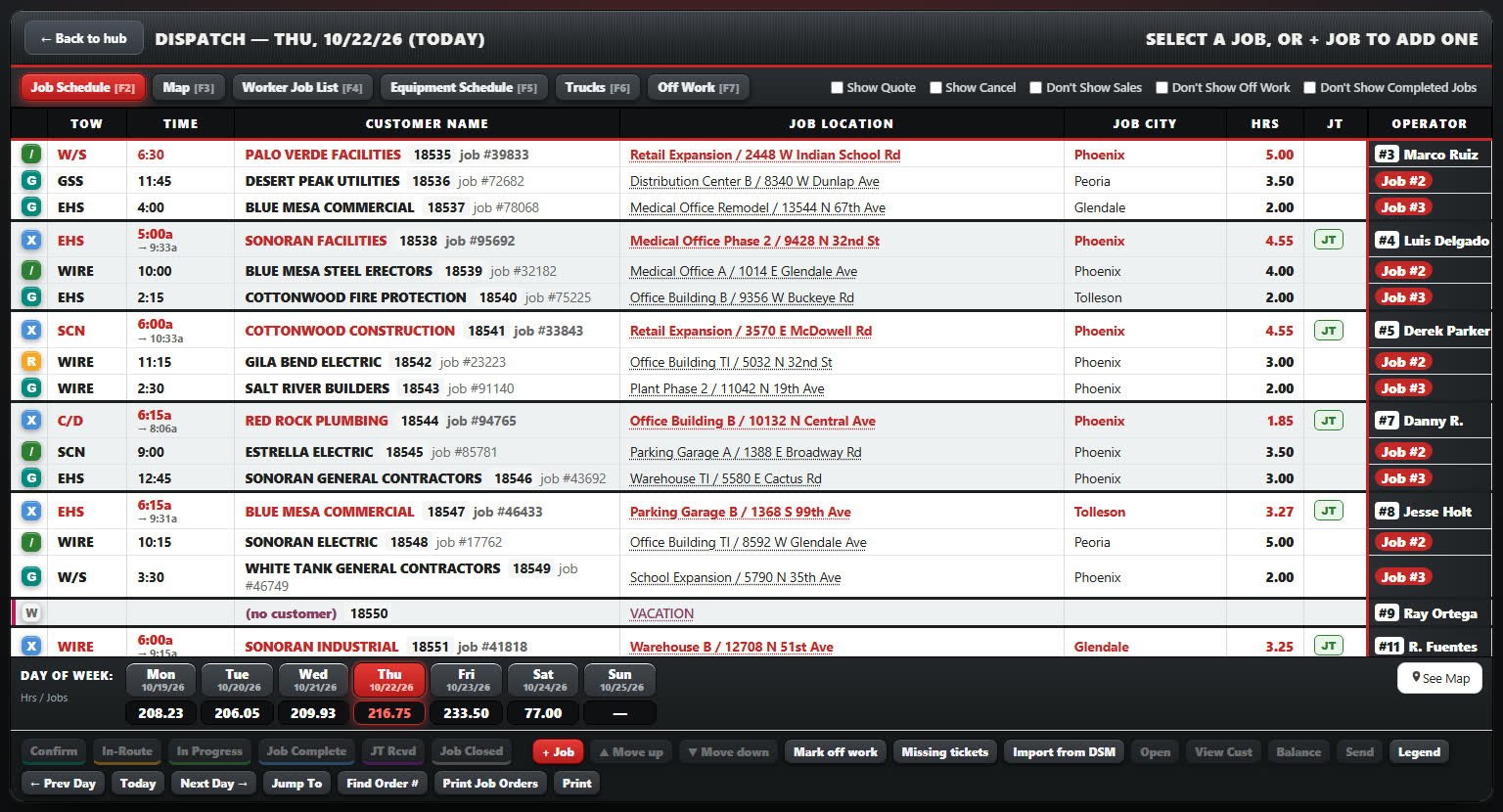

The day’s jobs one line each, in truck order, his first job red without anybody marking it — on the desk or on the dispatcher’s phone. The job goes to his phone the night before and the board moves itself as he drives and cuts. Customers, job sites and quotes live in the same place, quotes draft themselves from what the salesman says on the walk, and the week’s cards are approved in one sitting.
The signed ticket comes back already linked to its job. The office prices it with what you billed last time right under each line, and signed work nobody has billed raises a red flag until it goes to billing. Your invoice history comes over from the system you use today, dispatch warns before a truck rolls to a customer who is behind, and the month’s card and bank charges get sorted into a profit and loss in Books.
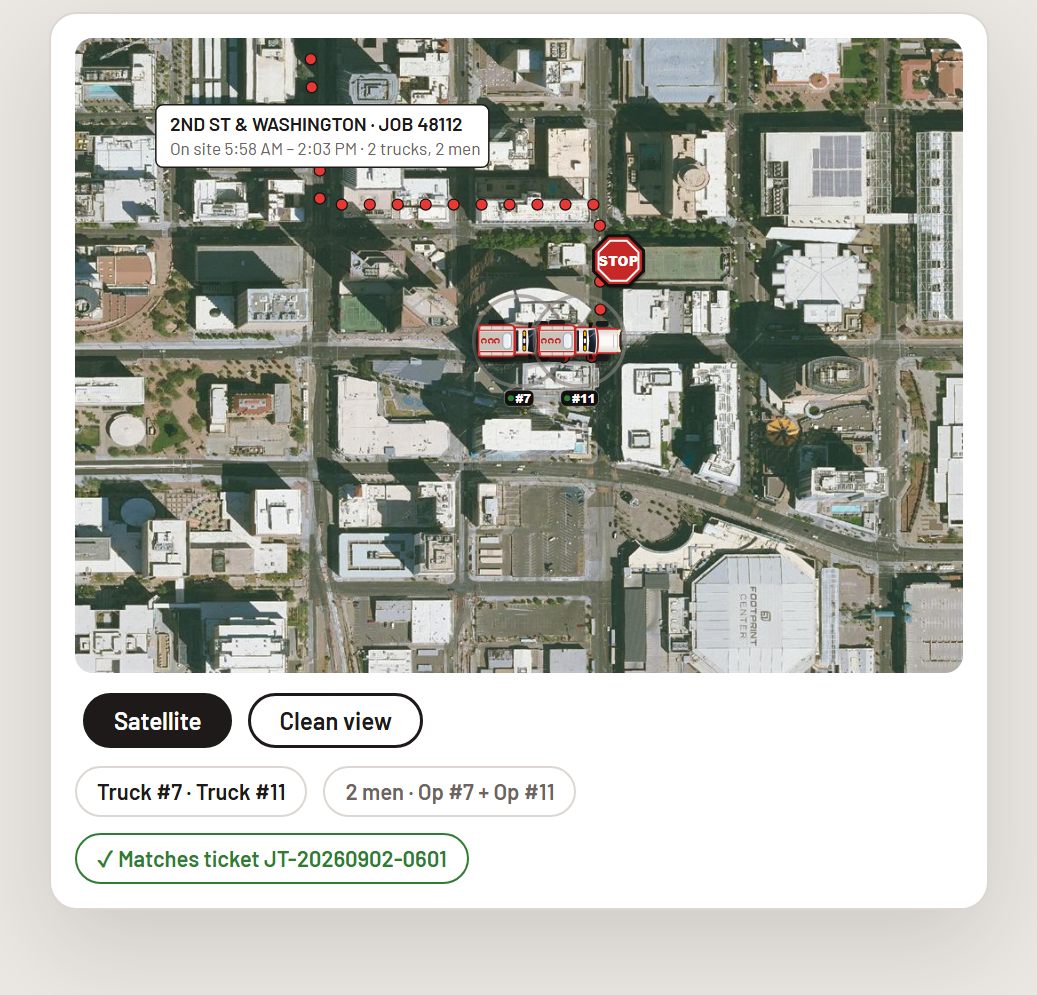
Your vendors one tap from their order page and a parts list that builds itself, so the next order is one click. A service calendar for every truck, saw and vacuum. The trucks on the map, held against the day’s dispatch board, and every truck’s week on your pay week.
See how a job moves from the first quote to the signed ticket and time card, with the notes and photos attached.
Follow one jobYour logo on the screens. Your time card and job ticket. Your pay week and travel rules.
We set up your company’s version and bring over your people and customers. Run it beside your existing paperwork before making the switch.
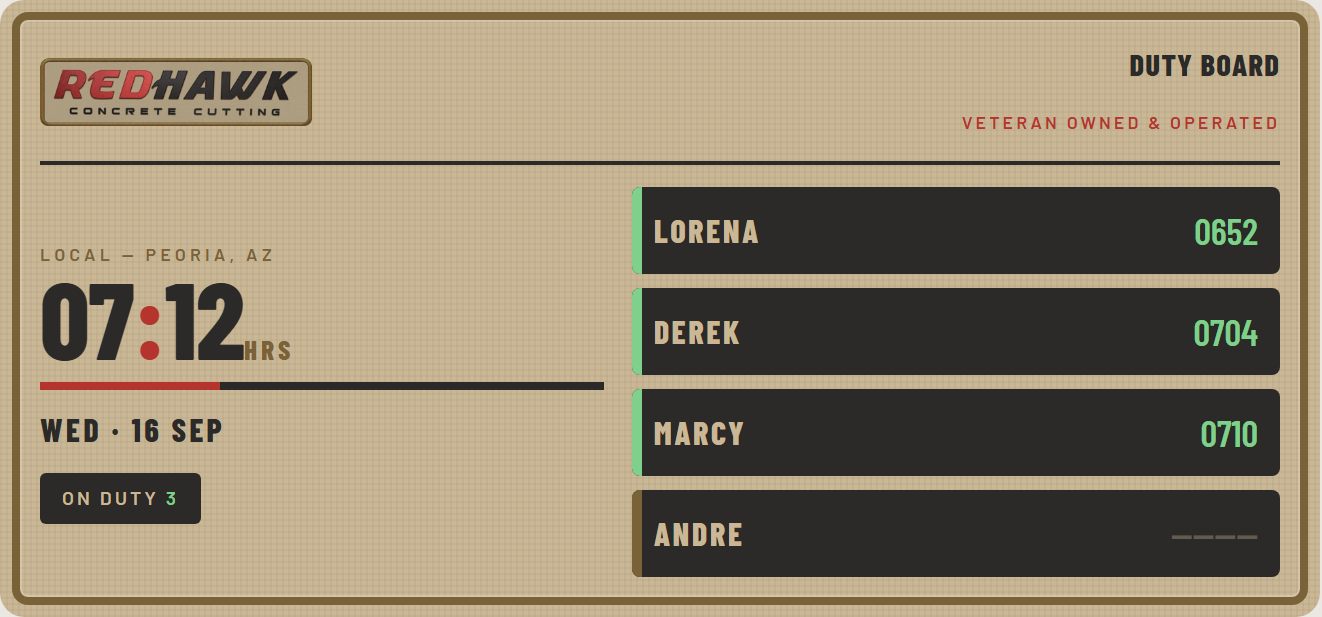
Theirs was built for them. Yours is built for you.
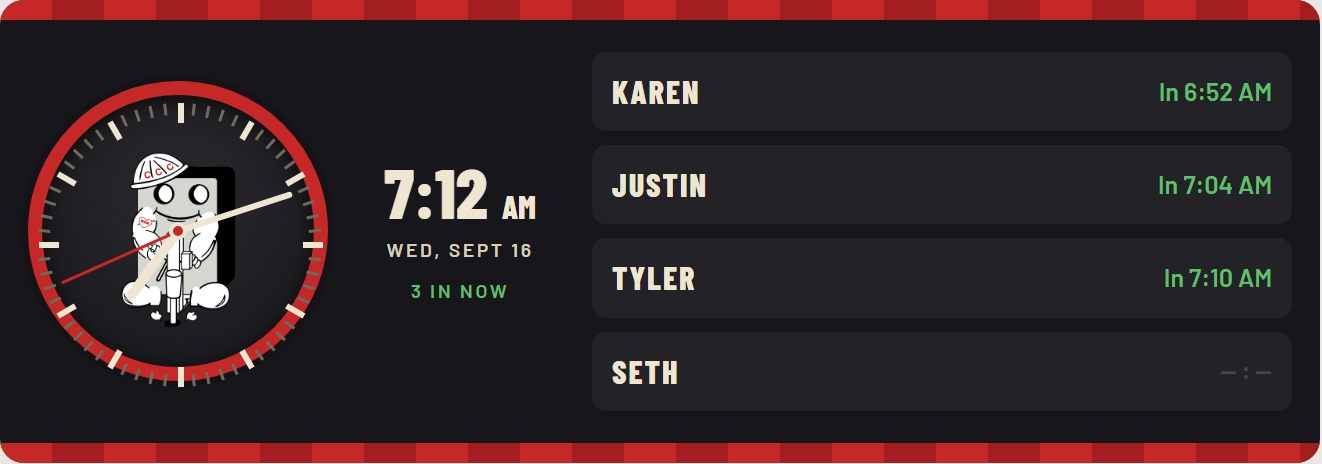
Two different Saw Time customers let us show their office wall clocks. Put them side by side and they look nothing alike: their own brand, their own layout, their own payroll card. Same software underneath, built to each company.
There is no price list, because no two companies ask for the same Saw Time. Send us the time card, job ticket and quote sheet you use now, tell us how many trucks you run and whether you want fleet GPS, and you get a written quote for what you want built before anything starts.
Get a quote for your build How a build is quotedYour company gets its own database. Export your records, photos, and signatures. Backups run nightly, and recovery is tested.
GPS exports include retained detail: approximately 90 days of full points, then trip summaries.
Read the security and data answersLeave your details and we will reply asking for your current time card and job ticket. See your forms, pay week, and rules in Saw Time before you decide.
Rather write? hello@sawtimehq.com

